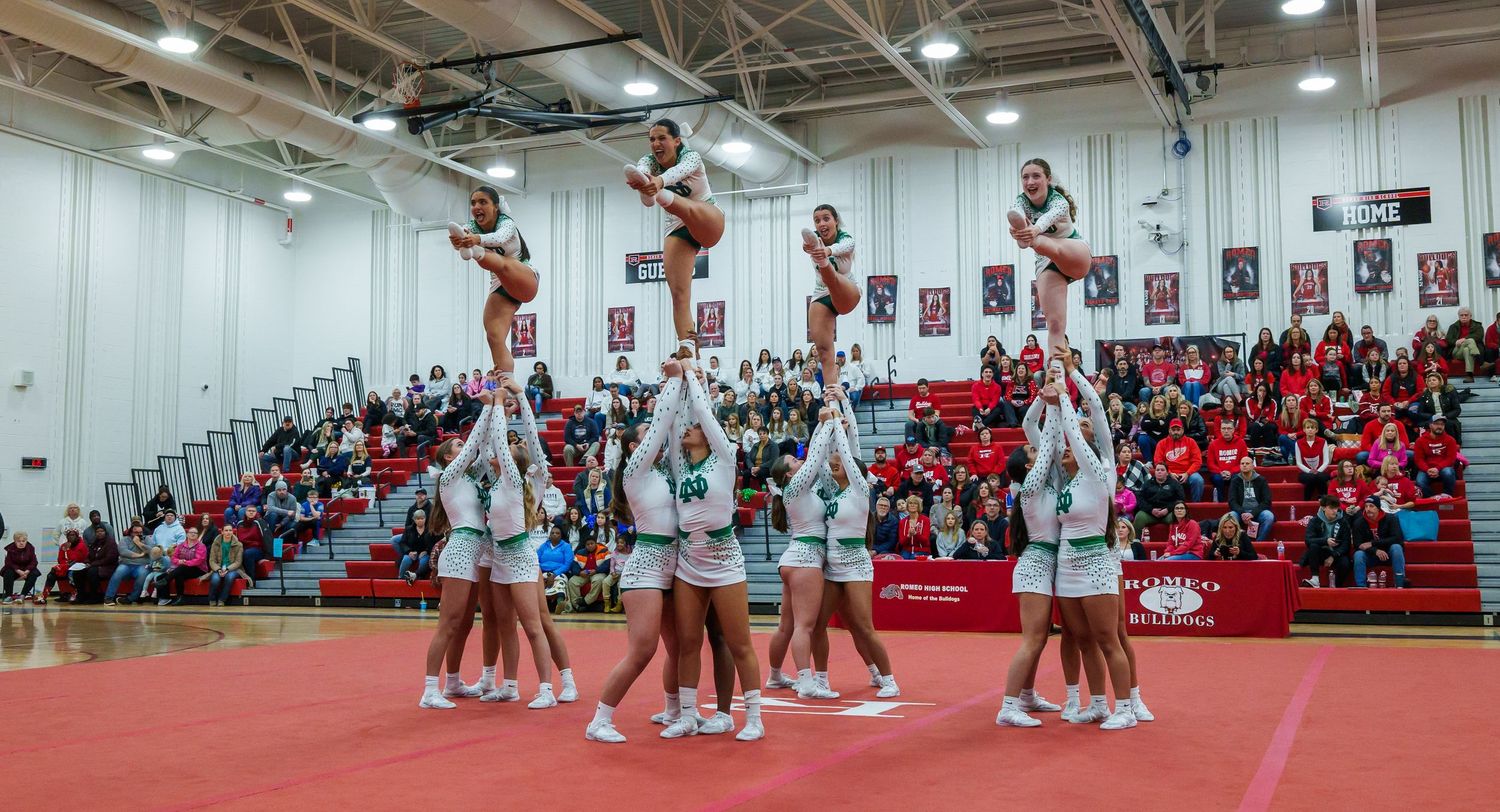
Photography in a gym can be a real challenge due to several factors:
Lighting: Gyms often have harsh, uneven lighting, with a mix of natural light, fluorescent lights, and sometimes even dimly lit corners. This can create shadows and make it hard to get consistent, well-lit shots.
- Fast-Moving Subjects: If you're photographing athletes or workouts, the fast-paced action can result in motion blur if your camera settings aren't right.
- Crowded Spaces: Gyms can be crowded, and it can be tough to frame a shot without getting unwanted people or equipment in the background.
- Reflective Surfaces: Mirrors and glossy equipment can cause reflections and glare, which can ruin your photos.
- Limited Space: Tight spaces can make it challenging to get the right angle or distance for your shots.
Here are some tips to help you take better photos in a gym:
Use Fast Shutter Speed: To freeze fast-moving subjects and reduce motion blur, set your camera to a fast shutter speed (1/500s or faster).
- Adjust ISO Sensitivity: Increase your ISO setting to make the most of available light. Be cautious not to set it too high to avoid excessive noise in your photos.
- Opt for a Wide Aperture: Use a wide aperture (low f-number) to let in more light and create a nice background blur (bokeh effect). Lenses with f/2.8 or wider apertures work well.
- Utilize Burst Mode: Use your camera's burst mode to take multiple shots in quick succession. This increases your chances of capturing the perfect moment.
- Leverage Natural Light: If possible, position your subjects near windows or areas with natural light. This can make a significant difference in photo quality.
- Avoid Using Flash: Flash can be harsh and create unflattering shadows. Instead, use the gym's available light or bring your own continuous light sources, like LED panels.
- Experiment with Angles: Get creative with different angles and perspectives. Shoot from low or high angles to add variety and interest to your photos.
- Edit Your Photos: Use photo editing software or apps to enhance your images. Adjust exposure, contrast, and color balance to make your photos pop.